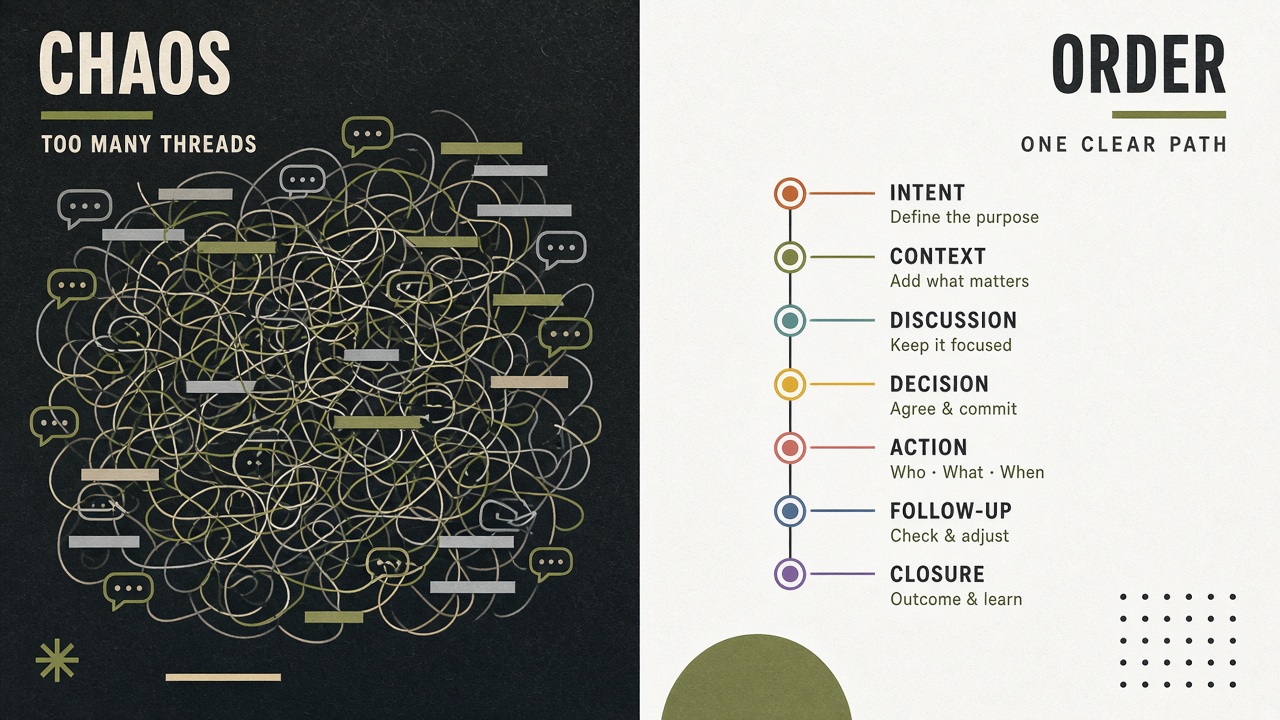
Two different problems wearing one label
Short answer: kennel booking software gets dogs on the calendar and money on the books. Owner-update tools keep pet parents calm while the dog is actually with you. When people search for a kennel booking system, they often mean both — and buying only one category is why the phone still rings.
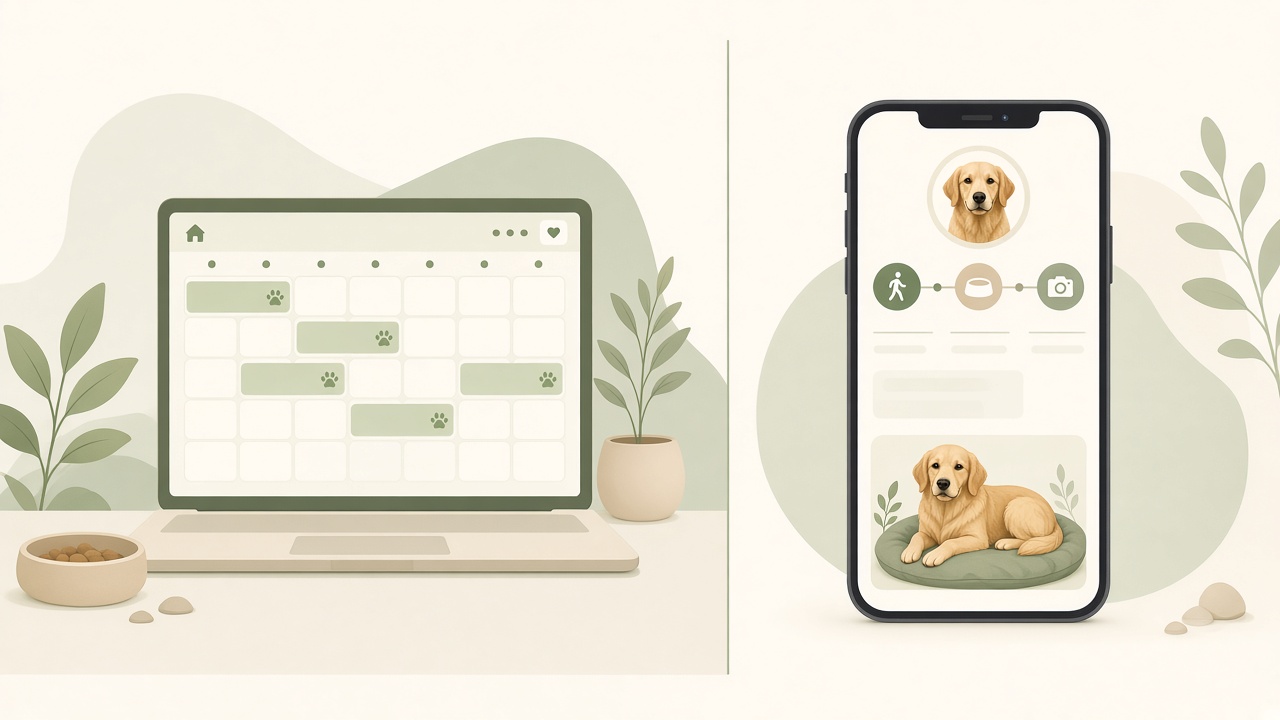
I run a boarding hotel, and for years I thought one “dog boarding reservation software” would fix everything. Reservations got smoother. Deposits came in online. Then Wednesday happened: twelve dogs in house, a groomer running late, and four calls that all asked the same thing — not “what time is pick-up?” but “is she okay?”
Nothing in the booking module could answer that. The owner had a receipt from Monday. They did not have proof of Tuesday. This guide is for owners and managers who are shopping kennel reservation software and wondering why the anxiety did not go away after go-live.
What kennel booking software is built to do
Short answer: a boarding kennel booking system handles availability, multi-day stays, pet profiles, deposits, and reminders. It is optimized for the front desk, the website widget, and the owner at home before the stay starts.
Good kennel booking software — whether it lives inside full kennel management software or as a stand-alone widget — excels at questions like: Do we have a large run free from the 14th to the 21st? Did this client pay the deposit? Is the bordetella still valid? Can we send an automatic reminder the day before arrival?
Those are real problems. Double bookings ruin weekends. Chasing deposits is soul-crushing. A solid kennel reservation software stack saves hours at the desk and stops you from promising a suite you do not have.
- •Online booking and calendar sync for boarding and often daycare slots
- •Pet and client records tied to the reservation (breed, meds on file, vet contact)
- •Deposits, packages, and cancellation rules
- •Email or SMS confirmations and pre-arrival reminders
- •Reporting: occupancy, revenue, no-shows — the owner’s view of the business
What kennel booking software is not built to do
Short answer: it is not built for the floor. Kennel staff are outside with a leash; they are not opening a reservation screen to log that Biscuit ate half her breakfast at 7:12am.
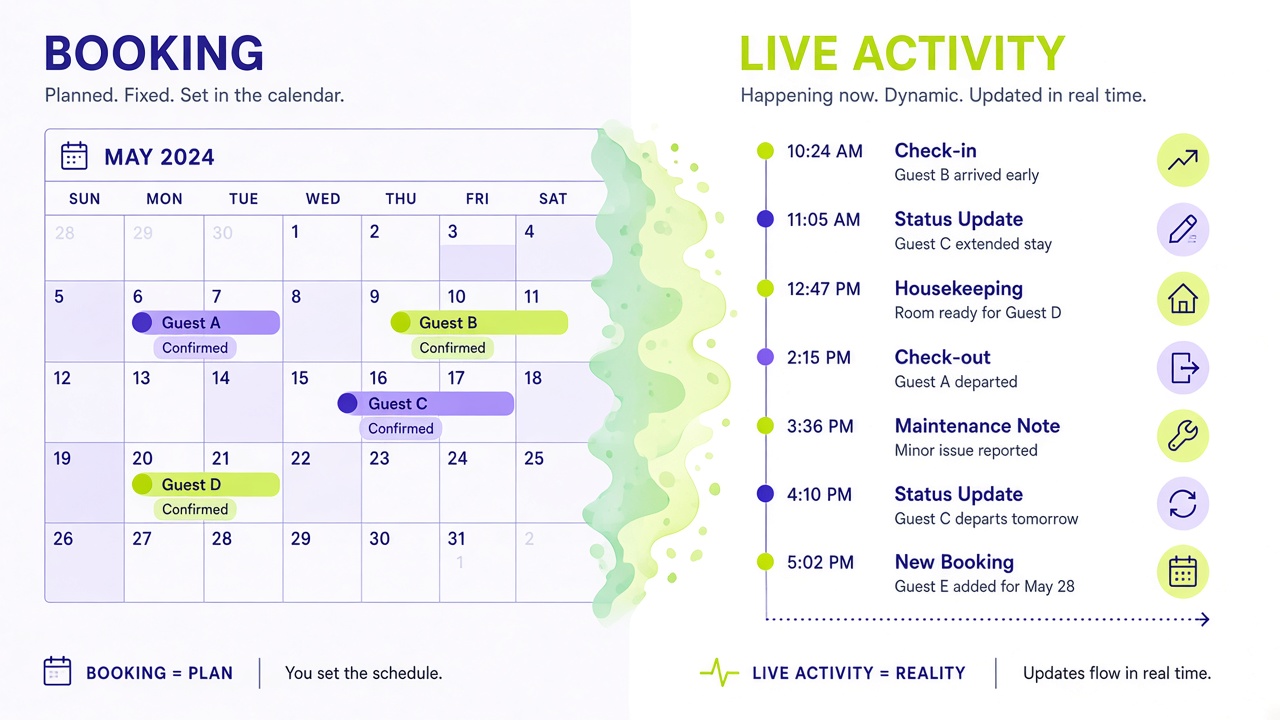
Most dog boarding reservation software treats the stay as a block on the calendar. Once check-in happens, the “product” in the system is done until check-out. Report cards, if they exist, are often a text box someone fills at 5pm from memory — or never.
That is not a flaw in the booking vendor. It is a different user, a different moment, and a different device. Expecting your kennel booking system to replace WhatsApp is like expecting your invoicing module to take photos on the play yard.
If you want the full category map, our best kennel software guide splits PMS, booking, and owner updates — three layers, not one magic box.
The owner-updates layer: software for the stay itself
Short answer: the owner-updates layer gives every stay a live page. Staff tap walk, meal, meds, photo, wellness; the owner sees it on a private link with timestamps. No app, no login — the opposite rhythm from booking software.
This is the job Wuuf was built for. Check-in takes about a minute: start the stay, hand the owner a QR or text them the magic link. From then on, your team logs in one tap from a shared phone. The owner watches from the airport, the office, or the sofa.
Wuuf is deliberately not kennel booking software. There is no online booking engine, no POS, no vaccination reminder engine. Plenty of our customers run Gingr, Kennel Connection, PetExec, or a simple booking widget for reservations — and Wuuf for the stay timeline. Some still use a paper diary for bookings and only Wuuf for owners. Both patterns work.
Dog daycare booking software has the same split
Short answer: dog daycare booking software fills drop-off slots and sells packages. It rarely gives parents a live view of nap, play, and lunch — so the group chat keeps buzzing.
Daycare is compressed boarding. Same anxious owner, shorter window, higher message volume per hour. A daycare booking tool that sends “confirmed for Tuesday” does not stop the 2pm “did he poop?” text.
The fix is the same layer: one-tap logs on the floor, live page for the parent. If daycare is half your revenue, read how we think about the floor test in choosing pet boarding software — the questions apply even when the stay is only six hours.
- •Booking side: capacity per play group, package credits, recurring days
- •Update side: check-in mood, meals, rest, photos, “ready for pick-up”
- •Pair both: calendar for the business, live page for the relationship
A typical week with both layers
Short answer: Monday the owner books online; Friday they drop off; between those moments the booking system owns the record and the update layer owns the proof of care.
Here is how many facilities run it after they stopped trying to force one tool to do everything.
- 1Owner books a seven-night stay through your website widget or the front desk enters it in the PMS — deposit captured, run assigned, vaccines checked.
- 2At arrival, desk completes check-in in the kennel reservation software as usual, then starts the stay in Wuuf and shares the owner link.
- 3Floor staff live on the shared phone: walks, meals, meds, photos, wellness notes — each under five seconds.
- 4Owner glances at the page instead of calling. When they do message, it is often “thank you for the photo.”
- 5At check-out, desk closes the invoice in the booking or PMS system and marks the stay complete in Wuuf. The owner leaves with a timeline they can scroll later.
How to evaluate kennel booking software without fooling yourself
Short answer: run the booking demo for the desk, then ask to see day three of a stay from the pet parent’s phone. If there is nothing to see, budget for an update layer.
When vendors pitch “all-in-one dog boarding reservation software,” listen for where the mobile experience actually lives. Can kennel staff log a walk without a password and a paragraph? Does the owner get a link that works in Safari without downloading anything?
Our dog boarding app piece explains why app downloads kill adoption — owners will not install your software for a twice-a-year holiday. Magic links beat portals for boarding.
- •Ask: What does the owner see at 9pm on night two? Not what the staff see — what the owner sees.
- •Ask: How many taps from camera to owner page for a photo?
- •Ask: Is there a shared facility login, or does every log require a personal account?
- •Ask: What happens if we keep our current booking tool and only add owner updates?
Do you need both from day one?
Short answer: if booking is chaos, fix booking first. If the phone and WhatsApp are chaos, fix updates first — it is cheaper and faster. Many kennels need both eventually, but not both on the same go-live weekend.
Under roughly ten concurrent stays, a lightweight kennel booking system plus live owner pages is often enough. You might not need a full PMS yet. Over twenty runs with daycare and grooming mixed in, you are probably a full suite customer for reservations — and still a separate customer for floor communication.
We suggest rolling out Wuuf in a quiet month with your regulars. Keep your existing kennel reservation software. Measure check-in calls for two weeks. Then decide whether migrating booking is even the priority.
Pricing: booking stacks vs the update layer
Short answer: full kennel booking software inside a PMS often lands in the $100–$300+ per month range plus onboarding; stand-alone widgets can be less. The owner-updates layer is a different line item — and a different ROI.
Wuuf pricing is simple because the product is narrow: free for up to 10 stays a month, Starter at $29/mo, Professional at $49/mo for larger teams and higher volume. Details on the pricing page.
Compare cost to the hours your desk spends repeating “she is fine” — not to the feature count on the booking brochure. Early boarding adopters tell us they save roughly 11 hours a week on owner updates after moving from typed messages to one-tap logs; daycare teams report around 9. Those are illustrative figures from early users, not a guarantee.
Our honest recommendation
Short answer: buy kennel booking software for the calendar and the money. Add an owner-updates layer for the stay. Wuuf is the second piece — and for many kennels it is the piece owners notice first.
You do not have to rip out a working reservation system to make owners feel looked after. You have to give them something to look at between drop-off and pick-up. Try it on the free plan with your next ten stays and keep whatever already runs your kennel booking system.
Frequently asked questions
- Is kennel booking software the same as kennel management software?
- Often related, not identical. Kennel booking software usually means online reservations, calendar, and deposits — sometimes stand-alone, sometimes a module inside full kennel management software (a PMS). Management suites add invoicing, POS, vaccination tracking, and reporting. Owner updates during the stay are a third layer that many booking tools do not cover well.
- Can Wuuf replace my kennel reservation software?
- No. Wuuf does not handle online booking, run assignment, deposits, or billing. It is the owner-updates layer: live stay pages and one-tap staff logs. Use it alongside your existing kennel booking system, PMS, or diary.
- What is the best boarding kennel booking system for a small kennel?
- If you are under ~15 concurrent stays, a lightweight booking widget or simple PMS module plus a live owner page often beats an enterprise suite. Evaluate booking for double-booking and deposits; evaluate owner updates separately with a floor test on a shared phone.
- Does dog daycare booking software include parent updates?
- Some suites include a “report card” or message module, but many daycare booking tools stop at the slot and package. If parents still text during the day, you need an update layer with real-time logs and photos, not just a confirmation email.
- How much does kennel booking software cost compared to owner updates?
- Full reservation and PMS stacks commonly run $100–$300+ per month plus setup fees; booking-only tools are often less. Wuuf starts free for up to 10 stays a month, then $29/mo and up. Total budget should include both layers if you need both jobs done.
- Why do owners still call after we bought dog boarding reservation software?
- Because reservations prove they have a spot, not that their dog ate lunch or settled after the first night. Calls drop when owners can see timestamped walks, meals, photos, and wellness notes on a live page — something booking software typically does not show.
Try Wuuf free — up to 10 stays a month →
Further reading: AKC — pet boarding tips for owners